Swap allows users to easily exchange one cryptocurrency for another without leaving their Blockchain.com Wallet.
There are some reasons why traders swap:
*Quickly swap into an asset you believe will grow
*Move out of a volatile asset into one of our stablecoins
*Hedge against real world events.
To Swap your cryptocurrencies in Remitano, follow the following steps:
Log in and click on DASHBOARD then choose wallet
Choose the coin you want to swap and click on SWAP from your wallet
Choose the coin you want to receive into
Enter the amount of the coins you want to SWAP and click on SWAP button
Click on confirm if you want to continue or cancel if you want to cancel your SWAP
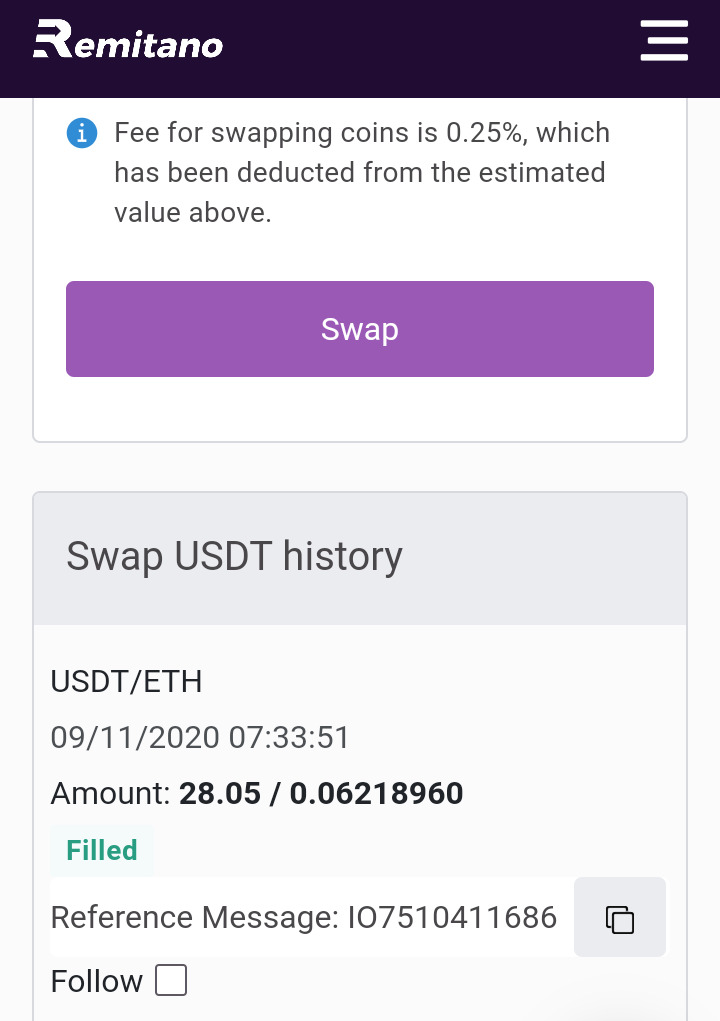
Once you click on Confirm, your SWAP order will be processed and Filled almost instantly and you can check your balance after that.
NOTE: The amount you receive might be a bit different due to the market at that moment.
**The exchange fee is 0.25%, which will be deducted from the estimated value when you open a SWAP order.